


Free app
Get the Capital Region Palms app
Put our palm icon on your phone's home screen. Reserve palms, check prices and call or text us in one tap. No app store, no sign-up.
✔ You're using the app. Welcome!
Opened from Facebook?
Facebook's built-in browser can't add apps to your home screen. Open this page in your phone's regular browser first:
- Tap the ••• at the top right (or bottom right) of this screen.
- Tap Open in external browser (or Open in Safari).
- Then follow the iPhone steps below.
and paste it into Safari or Chrome
iPhone & iPad
- Open capitalregionpalms.com in Safari.
- Tap the Share button (square with an arrow, at the bottom of the screen).
- Scroll down and tap Add to Home Screen.
- Tap Add. The palm icon appears on your home screen.
Android
- Open capitalregionpalms.com in Chrome.
- Tap Install when it pops up, or tap the ⋮ menu at the top right.
- Tap Install app (or Add to Home screen).
- Tap Install. The palm icon appears with your other apps.
On a computer?
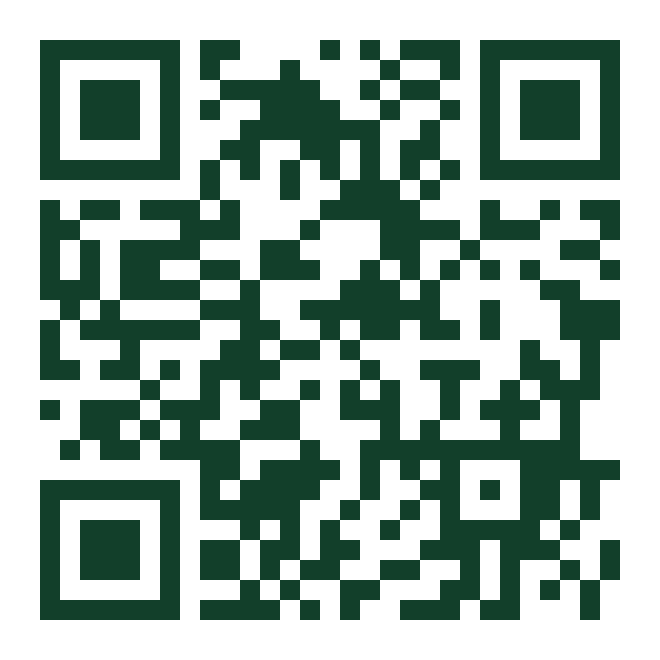
Scan this with your phone's camera to open the app page.
What's in the app
- Reserve in seconds. Buy palms, book Full-Season Service or rent palms for an event.
- One-tap call or text from the bar at the bottom.
- Works with a weak signal. Pages you've opened load even offline.
- Always up to date. New prices and palms show up automatically.